New Family Registration.
First: Schedule a Tour.
Come explore what makes our nature preschool special! We invite you to email Julie at butterflyhillnaturepreschool@gmail.com to schedule a tour of our school. We’d be delighted to welcome you and share more about our nature preschool!
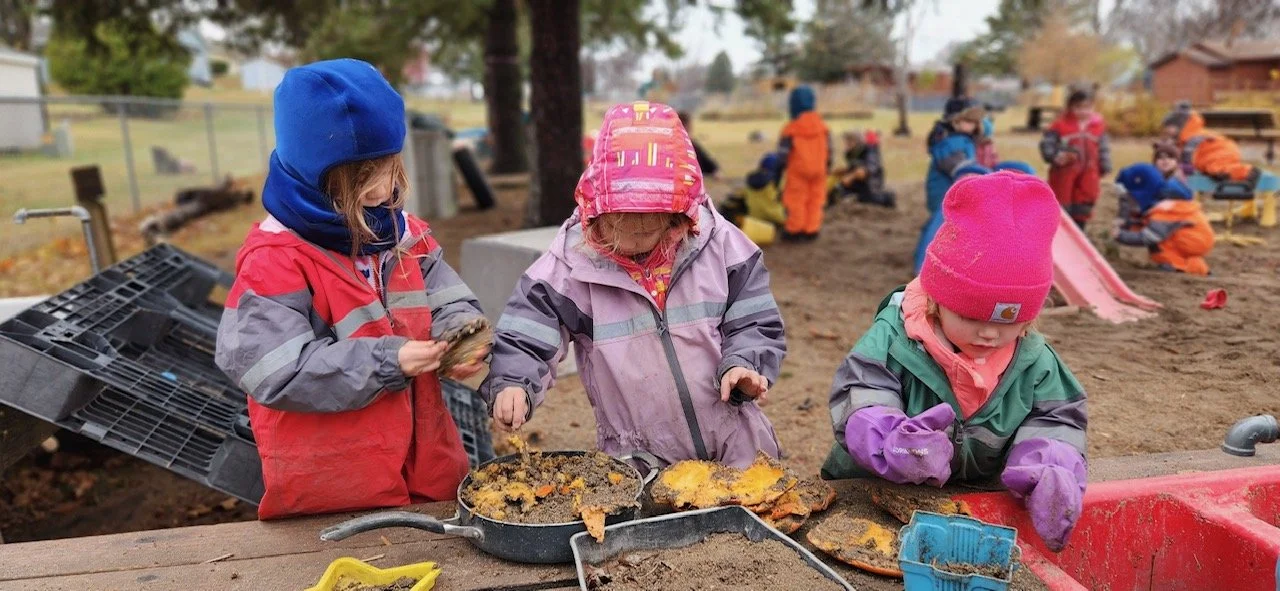
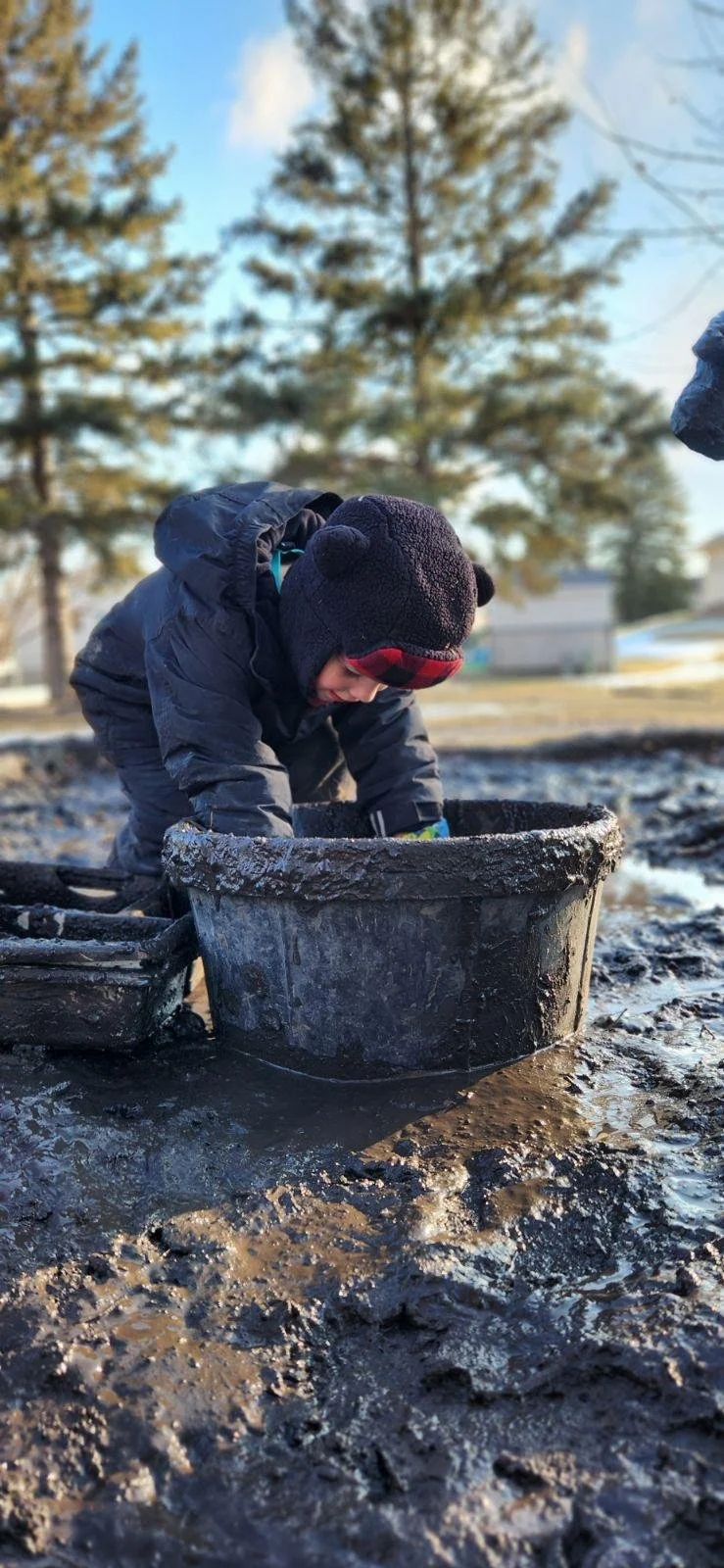
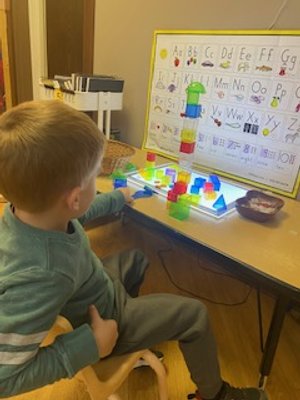
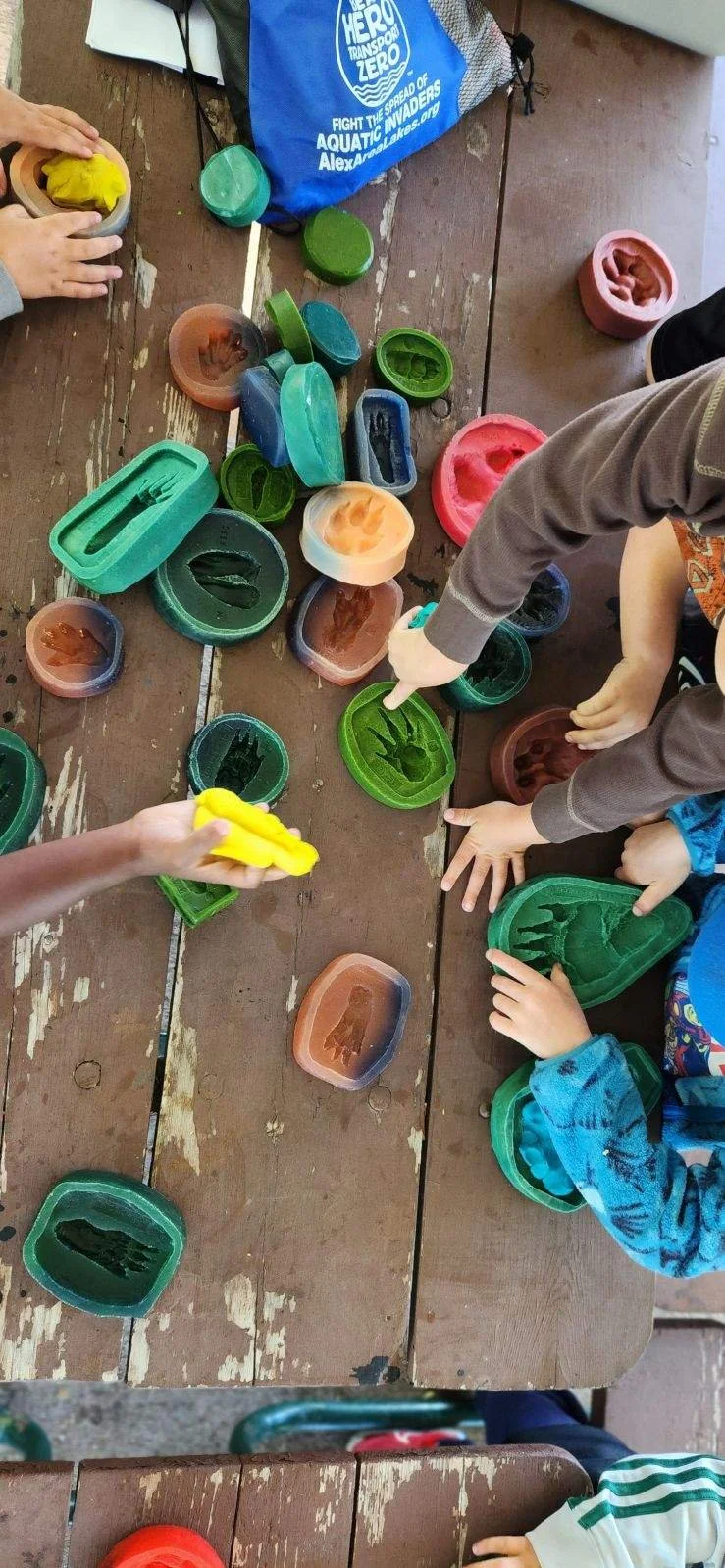
While touring our school you’ll have the chance to explore our indoor and outdoor classrooms, meet our teachers, and discover what a typical day at Butterfly Hill looks like. Your soon-to-be preschooler is welcome to attend with you, though it is not required.
Please note that touring our school, or attending our Registration Open House, is required prior to enrollment. Visiting Butterfly Hill is the best way to experience our nature-based, play-based approach and decide if our program is the right fit for your child.
Second: Register.
Registration for the 2026–2027 School Year is now open. Please take a moment to scroll down and read all of the information on this page before registering. Helpful hints and registration timelines can be found below the registration button to guide you through the process from start to finish.
School Year 2026-2027
Registration Process Overview
For the smoothest registration experience, we recommend completing the process on a computer rather than a mobile device.
Step 1: Click on the Registration Link to Create or Access Your Brightwheel Account
When you click the registration link above, you’ll be prompted to create an account in Brightwheel, the platform we use for family communication and tuition payments. Account setup is quick. As you create your account, please enter your contact information in the parent portal - doing so will make completing forms faster.
If your family has a Brightwheel account for a different school, simply link your preschooler to Butterfly Hill in your account. Your child can be connected to multiple schools within Brightwheel.
Step 2: Complete the Registration Request Form
Next, you’ll complete the Registration Request form where you’ll indicate your preferred class for Summer 2026 and/or the 2026–2027 School Year. Please select one preferred class option for each session you are registering for. If your first choice is full, we will contact you to discuss your next preference.
If registering for both summer and the school year, you will select “Yes” for two class options. You are not required to choose the same class for both sessions.
Please note that the form requires a Yes or No response for every class option before it allows you to submit it.
If you are registering more than one child, a separate Registration Request form is required for each child.
What Happens Next
Once you submit the Registration Request, no further action is needed until you receive your Class Placement Confirmation email, which you can expect within one week of registering.
Important Note
Submitting the online Registration Request does not guarantee class placement. Please continue reading below to learn how class placement notifications are shared.
I Registered! Now What?
Watch your inbox. Within one week of submitting your Registration Request, you’ll receive a Class Placement Confirmation email confirming your child’s class and outlining next steps.
Set up payment in Brightwheel. You’ll receive an invitation from Brightwheel to add your payment method and enable autopay. All tuition payments are processed through Brightwheel via a linked checking account. Families do not incur an additional fee for automatic monthly withdrawals.
Complete the New Student Admission Packet. After your Class Placement Confirmation email arrives, the New Student Admission Packet will appear in your Brightwheel account (you’ll be notified if notifications are turned on). This packet is due within one week of receipt.
Once the Admission Packet is processed by Butterfly Hill, your 5% deposit(s) and registration fee(s) will be automatically withdrawn, and your child’s spot at Butterfly Hill will be secured. You will receive an invoice with the withdrawal date beforehand. Please note: if the packet is not completed within one week, the spot will be offered to the next family on the waitlist.
Finish final forms. After the Admission Packet is submitted and processed, the remaining required forms will be added to your Brightwheel account. All forms, including the Health Care Summary completed by your child’s medical provider, must be submitted before your child’s first day.
What’s next? Before your child’s session begins, you’ll receive a Welcome Packet filled with helpful information to prepare your family for the first day. In the meantime, we encourage you to explore our website for photos, videos, and resources under “I’m Enrolled! Now What?” to help your child feel at home.
We’re so glad you’re here. We’re honored to welcome your family to Butterfly Hill and can’t wait to have you join our school community!